
MICROSOFT 365 PRICING
Microsoft 365 Plans Built for Your Team
Equip your team with the right Microsoft 365 tools for productivity, collaboration, communication, and security, with flexible plans that can scale as your business grows.
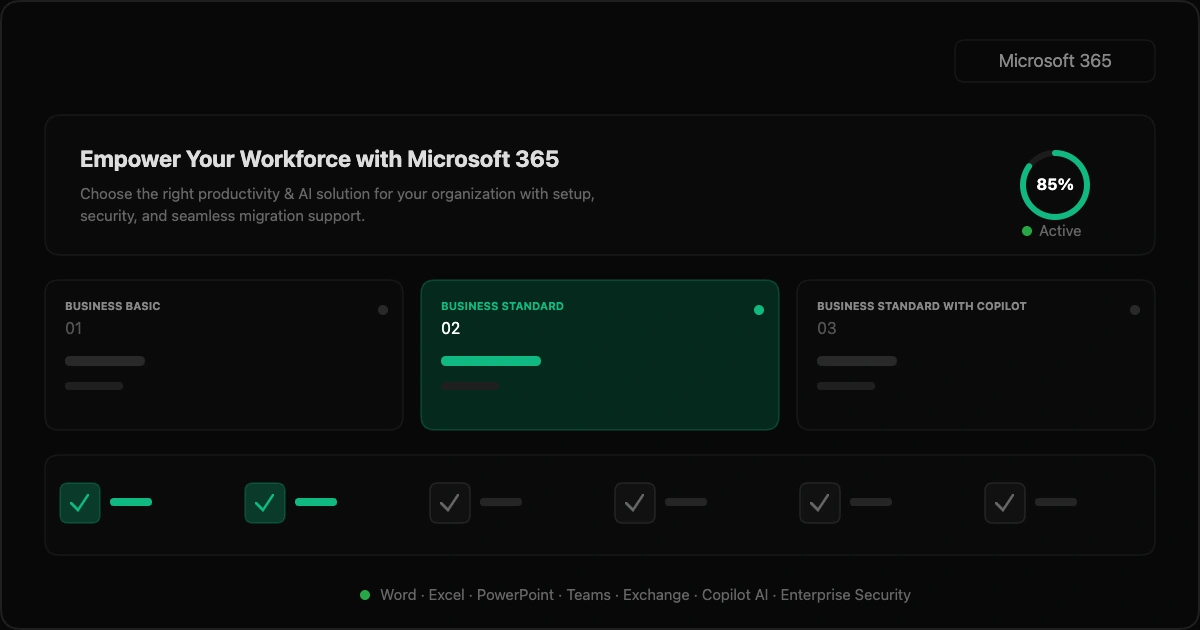
We configure Microsoft 365, domains, users, organizational policies, and administrative settings to create a structured foundation for secure, productive, and efficient business operations.
We set up professional business email and migrate supported emails, contacts, calendars, and data from existing platforms while maintaining organized communication throughout the transition.
We configure Word, Excel, PowerPoint, Outlook, Teams, SharePoint, OneDrive, Forms, and other Microsoft applications around your team's everyday collaboration and productivity requirements.
We enable applicable Copilot and AI capabilities to support content creation, research, data analysis, meetings, automation, and everyday productivity across supported Microsoft applications.
We strengthen Microsoft 365 security through MFA, SSO, password policies, device controls, sharing restrictions, organizational access policies, and email protection against common security threats.
We configure OneDrive and other supported storage alongside backup policies, storage planning, recovery requirements, and monitoring to protect important business data and support reliable access and recovery.
We configure Microsoft 365 backup policies, establish recovery points, and monitor backup activity to help protect important business data and support reliable recovery when needed.
We assess Microsoft 365 data, storage, retention, recovery requirements, and risks while monitoring backup status, alerts, and recovery activity to address potential issues proactively.
We provide ongoing Microsoft 365 administration covering users, access, configurations, security, devices, applications, and day-to-day requirements to keep your Microsoft environment organized and secure.
We manage your environment so your team can focus on business.
Get responsive support and expert guidance whenever you need it.
Optimize licenses and business costs as your business grows.
Add users, services, and support as your business needs evolve.
Absolutely! You can upgrade your Microsoft 365 plan whenever your business needs additional services, resources, or support. If you decide to downgrade, the updated plan can be applied from your next billing cycle. We’ll work with you to make the transition smooth and ensure your plan continues to match your requirements.
Most Microsoft 365 setups can be completed quickly, depending on the number of users, domain configuration, migration requirements, and security settings. Before getting started, we’ll confirm your requirements, share an estimated setup timeline, and guide you through each step. If migration or advanced configuration is required, we’ll discuss the timeline with you in advance.
We keep billing simple with annual plans for Microsoft 365. Business Basic, Business Standard, and Business Standard with Copilot are billed per user, per month with annual billing. The applicable plan, pricing, and payment terms will be clearly shown before you subscribe. Your proposal will clearly outline the applicable billing cycle, pricing, and payment terms before you get started.
Yes. We can help migrate your business email and relevant data from platforms such as Google Workspace, Yahoo, Gmail, and other supported email systems to Microsoft 365. We’ll assess your current setup, user accounts, data volume, and migration requirements before getting started. Our team will plan the migration to minimize disruption and help ensure your emails, contacts, calendars, and supported data are transferred securely. Complex or large-scale migrations can be scoped separately based on your requirements.
Your business data and systems are handled with care and appropriate security practices throughout the engagement. Access is provided only to the tools and information required for the agreed scope, with permissions managed accordingly. We also work with secure collaboration and access-management tools as part of our delivery process. For enterprise requirements, we’re happy to discuss additional security and access controls.
No. Support charges are billed separately based on a requirement analysis. We first assess your Microsoft 365 environment, users, technical requirements, and support needs to determine the appropriate level of assistance and applicable charges.
We provide support to help you manage and get the most from your Microsoft 365 environment. Depending on your requirements, support can include technical assistance, troubleshooting, configuration support, user administration, migration assistance, and ongoing Microsoft 365 management. Support may be available through Email, Live Chat, Phone, and Remote Assistance, depending on your selected plan and requirements. We can also assist with security, access, Copilot features, and other administration needs as they arise.
Yes! Our teams work remotely and use structured communication and collaboration workflows to manage Microsoft 365 setup, migration, configuration, troubleshooting, and ongoing support. For technical assistance, tools such as Zoho Assist allow our team to securely connect to supported devices with your permission when remote troubleshooting is required. This makes it easier to resolve issues, configure settings, and provide assistance without requiring an on-site visit.
Zoho Assist is a remote support and access tool that allows our team to securely connect to your computer or supported device with your permission. It can be used for remote troubleshooting, diagnostics, configuration, and technical assistance without requiring an on-site visit. For Microsoft 365 support, it can be useful when an issue involves device settings, access, configuration, or other technical requirements that need to be investigated directly on your system.
No problem! If your requirements don’t fit neatly into our standard Microsoft 365 plans, you can get in touch with our team and book a meeting. We’ll understand your goals, requirements, and expected scope before recommending the right solution.